Tools · Start here

Know your next move before you make a hole.

Start with the Wall Risk Checker. It organizes the task, surface, warning signs, consequence, and confidence into a bounded decision lane.

Start Wall Risk Checker

Decision lane, not permission to drill. This is not wall-safety sign-off, hidden-utility clearance, mounting approval, or diagnosis.

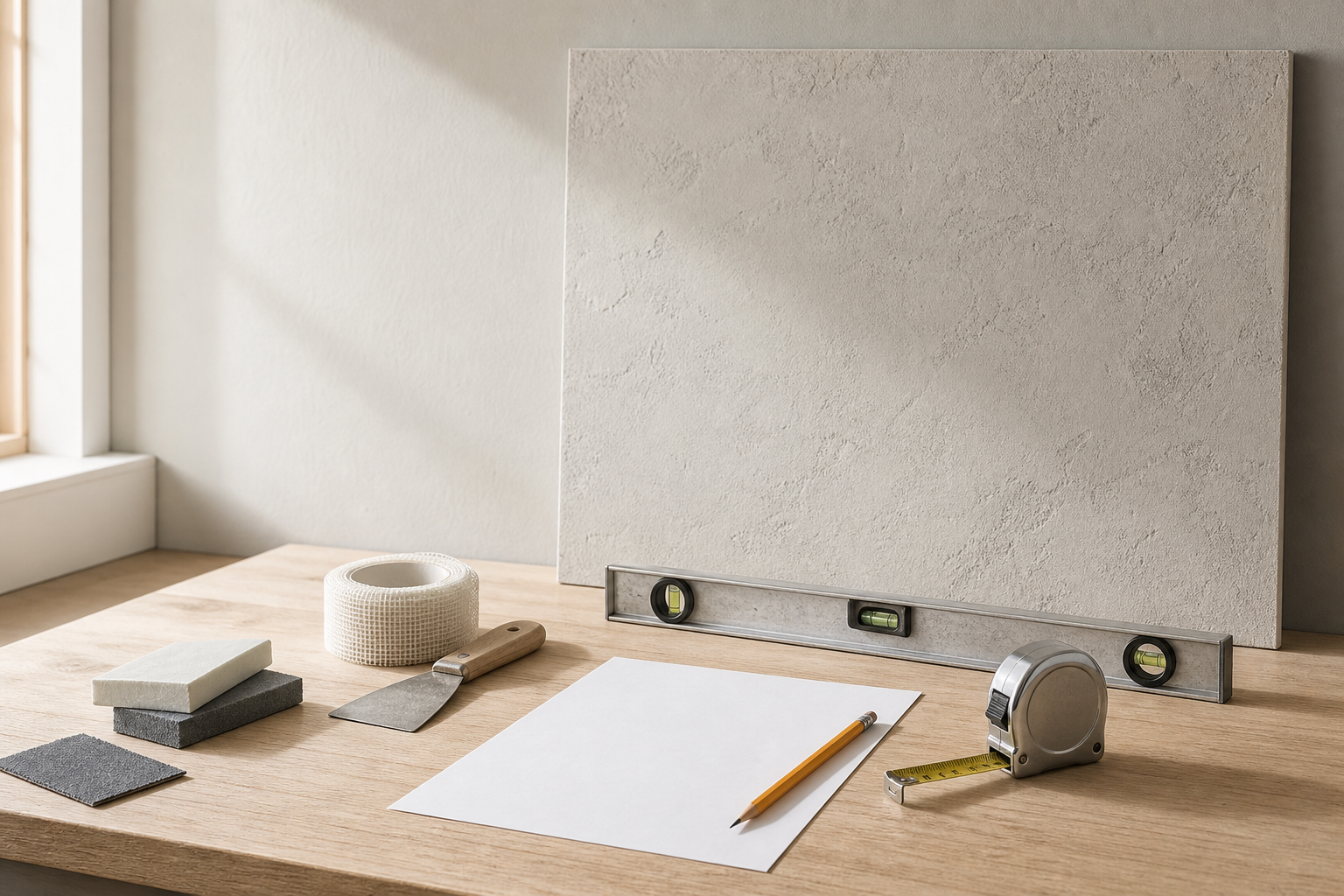
Unbranded measuring and planning tools beside a neutral wall sample; no verified-safe drilling signal.
AI-generated planning context only—not documentary evidence, inspection, hands-on testing, product endorsement, clearance, permission, an actual customer property, or a safe drilling location.

Primary tool · Wall Risk Checker

Five inputs. One next lane.

Choose which decision lane fits before drilling, mounting, patching, or buying. The checker does not prove wall support, hidden services, structural fit, code advice, mounting fit, or qualified sign-off.

Before You Drill Wall Risk Checker

Select the task, wall surface, object consequence, risk signals, and confidence. The checker updates one local decision lane on this page.

No backendNo accountNo saveNo uploadNo external calls
Risk signals

Select every signal that applies. Leave unchecked only when no signal applies.

Decision lane: Prep first
Reason
The job may be reasonable later, but measurements, photos, instructions, lease context, or layout details should come first.
Why this matters
Preparation reduces guesswork before a hole becomes hard to move, patch, explain, or support.
Next action
Gather photos, measurements, object details, bracket or hardware instructions, and any property rules before deciding on a spot.
Boundary note
Decision lane, not permission to drill.
What this does not inspect
This tool does not inspect hidden utilities, wall support, structural conditions, code requirements, or mounting suitability.
prep context missinglayout or instructions matterdecide before markingNo active risk signal selected
Optional planning checklistSecondary prep context after you choose a next step.

Review-only checklist

Planning checklist for this decision

Use these to organize the next decision. They do not approve drilling, mounting, patching, painting, lease decisions, or product choices.

Evidence: researched

Use the hidden-service pre-check

For outlets, switches, plumbing-adjacent walls, exterior walls, heat sources, or utility clues. It does not locate hidden services.

Decision lane, not permission to drill.

Secondary explanationWatch how the five inputs shape a lane

Video planned

Stud Finder False Positives: When a Reading Is Not a Drill Decision

Video plannedVideo planned60 sec estimate

Helps you understand the five Wall Risk Checker inputs and why low confidence should move the next step toward learn, prep, stop, or ask.

This is decision support, not permission to drill, mount, patch, or repair.

Transcript preview

When a stud finder beeps everywhere, changes between scans, or gives a warning, stop and reassess. A reading does not identify hidden objects or clear hidden services.

Use this after the checker result if the lane needs a concrete review path.

Second · only after the wall-risk lane

Plan TV viewing comfort, not drilling clearance.

Estimate a comfortable center-height range from eye height, seating distance, and screen size. The result cannot approve a wall, bracket, fastener, cable path, fireplace location, or install.

Planning tool

TV Mount Height And Viewing Comfort Calculator

Use this to plan a more comfortable center-height range before you drill. It does not confirm wall safety or mounting viability.

Comfort estimateUse the range as a planning note, not as an installation guarantee.
Suggested TV center height39.5 in to 43.5 in

Measured from finished floor to the center of the screen.

Approx. bottom edge23.5 in to 27.5 in

Helpful for checking media-console clearance and glare, not bracket placement.

Approx. screen height32 in

Estimated from a 16:9 screen. Actual bezel and stand dimensions can vary.

Loose viewing-distance window

About 6.5 to 13.5 ft for a 65" screen.

Why this stays conservative

Comfort math can help with screen position, but it does not confirm load path, bracket fit, outlet location, or cable routing.

Cautions
  • A comfort-friendly height can still be wrong for the wall, bracket, outlet path, or room glare.
Stop rules
  • Stop if you still do not know the wall type, stud path, cable route, or whether the room would force the TV unusually high.
Roadmap · quieter by designSee planned decision helpers
Roadmap: layout helper

Picture / Shelf Placement Planner

Helps decide
Centerline, spacing, and layout notes before tape or holes go on the wall.
Does not prove
It does not confirm fasteners, wall support, object weight, or hidden-service clearance.
Next
Check wall type, object consequence, and fastener instructions.
Roadmap: measurement helper

Curtain Rod Placement Planner

Helps decide
Rod width, side extension, and placement notes before buying or drilling.
Does not prove
It does not confirm wall support, bracket fit, fabric fit in every room, or mount readiness.
Next
Gather wall photos, bracket details, and measurements before drilling.
Roadmap: finish helper

Paint Touch-Up Amount Helper

Helps decide
Whether a small paint quantity may be enough for a limited touch-up attempt.
Does not prove
It does not promise a color match, finish blend, deposit outcome, product availability, or repair result.
Next
Read the touch-up paint guide before buying or painting.
Secondary referencesOpen related reading and the reference tool tray