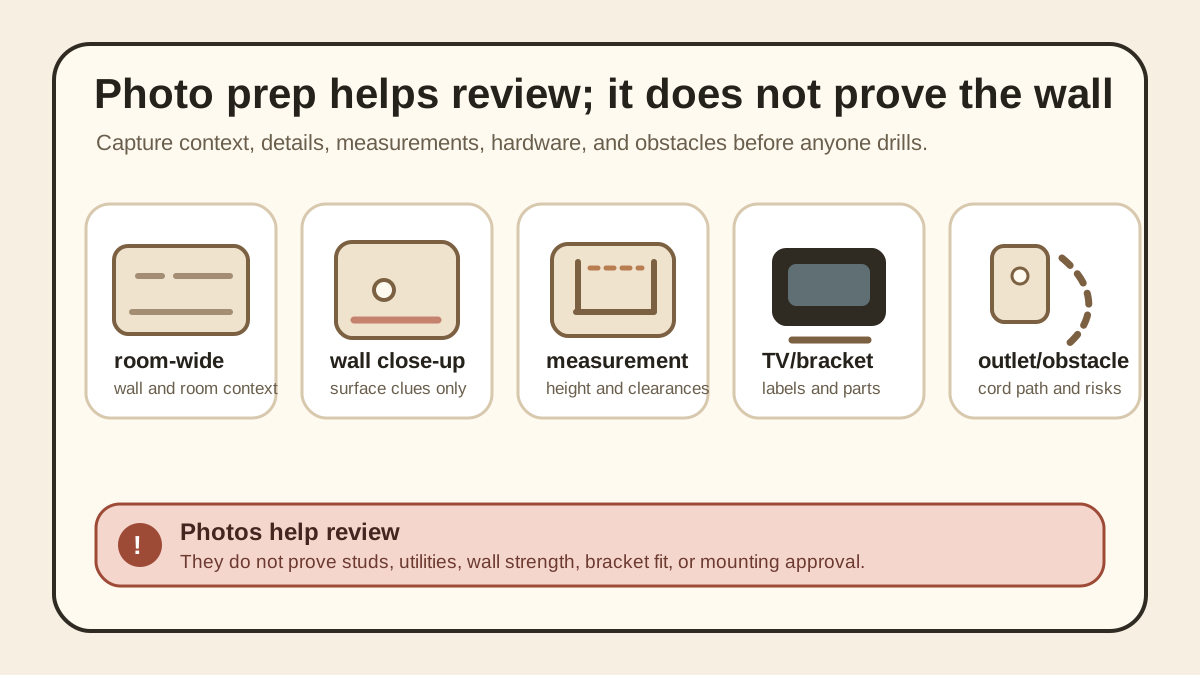
Start with room-wide photos
Take one photo from far enough back to show the whole wall, floor, ceiling line, nearby furniture, doors, windows, and the likely viewing position.
Then take a second room-wide photo from an angle so the reviewer can see depth: how far the couch or bed sits from the wall, whether the TV would be near a walkway, and whether the mount location creates a glare or cable problem.
Wide photos are not about decoration. They prevent a narrow wall close-up from hiding the real placement problem.
Then take close-up wall photos
Take a straight-on photo of the exact wall area where the TV would sit. Keep the phone level, avoid extreme angles, and include enough blank wall around the target area to show nearby outlets, switches, vents, trim, patches, or texture changes.
Add closer photos of any outlet, cable jack, old holes, wall damage, patch marks, tile edge, masonry surface, or unusual construction detail.
If the wall is not simple drywall, say that plainly. Photos can show clues, but the review still needs the wall type and mounting method to be checked before drilling.
Measurement photos that actually help
Use a tape measure in the photo when possible. Show the wall width, the preferred centerline, the height from the floor to the desired TV center or bottom edge, and the distance to nearby outlets or furniture.
For smaller rooms, include the viewing distance from the main seat to the wall. That helps separate a comfortable placement question from a mounting safety question.
If you use painter's tape to mark the intended TV outline, photograph the whole taped rectangle and one close-up with the tape measure visible.
Bracket and TV label photos
Photograph the TV back label, model number, mounting hole pattern area, and any existing screws or spacers. Do not crop so tightly that the reviewer cannot tell where the label sits on the TV.
Photograph the bracket box, bracket arms, wall plate, hardware bags, and instruction sheet if you have them. If the bracket is already opened, lay the parts on the floor and take one clear overhead photo.
These photos help confirm what needs review. They are not proof that the bracket is right for the wall, the TV, or the final height.
Outlet, cable, and obstacle photos
Show where power, cable, streaming devices, game consoles, soundbars, and cable covers would go. Include the current outlet and any low-voltage plate, but do not assume a photo proves what is inside the wall.
Take a photo of nearby shelves, fireplaces, heaters, windows, closets, doors, and tight corners. Many mounting problems are layout problems before they are hardware problems.
If cords would need to cross a walkway, wrap around furniture, or run near heat or moving doors, capture that context instead of only showing the wall.
What photos cannot prove
Photos cannot prove stud location, hidden wiring, hidden pipes, exact wall strength, bracket compatibility, or whether the included hardware is appropriate.
A clean wall photo does not prove the wall is safe to drill, and a bracket photo does not prove the mount is suitable for that TV or that wall.
Use photos to make the first review sharper, not to force a yes. The final decision still depends on wall checks, manufacturer instructions, hardware fit, and the consequence of failure.
Stop rules before anyone drills
Stop if the wall type is uncertain, the surface looks damaged or repeatedly patched, the bracket instructions are missing, or the TV label and bracket details do not match the plan.
Stop if the TV would be mounted above a bed, crib, desk, walkway, or other high-consequence area and the support method is not clearly verified.
Stop if the photo set keeps revealing new unknowns. That is useful information: it means the next step is a safer review, not more confident drilling.
If you are asking for qualified help
Prepare the room-wide photos, close-up wall photos, measurement photos, TV label, bracket photos, and a short note about what still feels uncertain before asking an appropriate qualified professional or property manager.
Use the photos to make the conversation specific: desired height, wall location, cable plan, bracket status, and any safety concerns.
Photos can make a conversation more concrete, but they should not be treated as final safety approval or a substitute for on-site judgment.